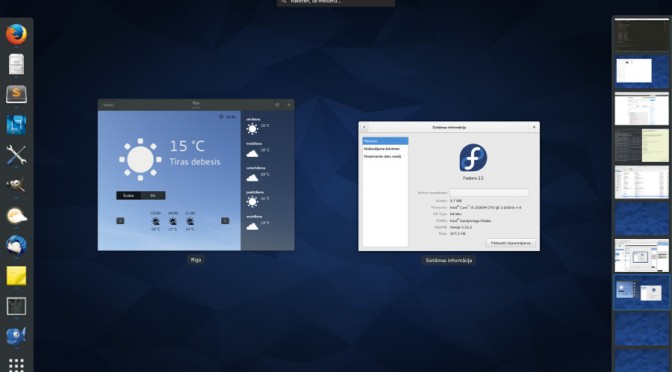
After fresh Fedora 22 install, first update the preinstalled software.
The prerequisite to all af the following commands is root access.
su -

dnf update
Add Fusion repository (found this on fosspedro.wordpress.com)
dnf install --nogpgcheck http://download1.rpmfusion.org/free/fedora/rpmfusion-free-release-22.noarch.rpm http://download1.rpmfusion.org/nonfree/fedora/rpmfusion-nonfree-release-22.noarch.rpm
Run the update again
dnf update
Install the missing software:
dnf install gnome-tweak-tool gimp inkscape thunderbird bluefish filezilla vlc python-openoffice

dnf install VirtualBox

dnf install dconf-editor

dnf install epiphany
Software for development
dnf groupinstall "Development Tools"
Scientific software
dnf install numpy scipy

dnf install python-matplotlib

dnf install python-pandas

dnf install python-ipython
Fedora 22 ships with SciPy version 0.14. To upgrade to 0.15.1 follow these instructions: How to upgrade SciPy on Fedora
To check SciPy version, in python console type:
import scipy

scipy.__version__